
UbiquitiAircam
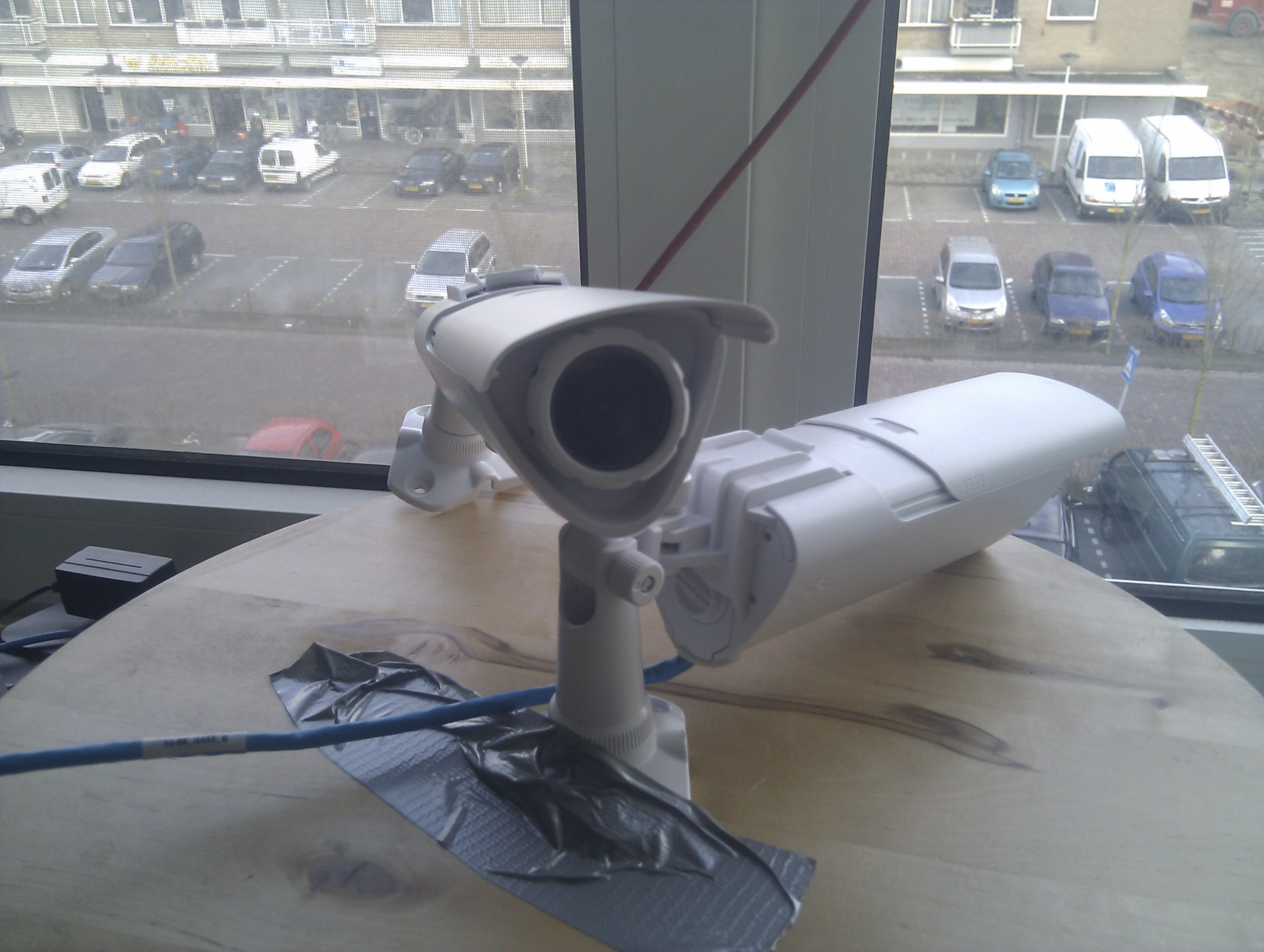
 The new Ubiquiti Aircam is an great and cheap IP webcam.
Quirks
- As in 1.13 do not issue PAUSE on the RTSP as it causes the stream to crash.
- If you have DHCP running it will get an automatic IP assigned.
Single Snapshot
You can get an single snapshot using the HTTP or using the RTSP: HTTP:
$ curl -c /tmp/cookies.txt <http://ubnt/login.cgi> && curl -o snapshot.jpg -LH 'Expect:' -b /tmp/cookies.txt -F username=ubnt -F password=ubnt -F uri=/snapshot.cgi <http://ubnt/login.cgi>RTSP:
$ ffmpeg -i rtsp://ubnt/live/ch00_0 -frames 1 snapshot.jpgPro Series?
Looking at the firmware there are a whole bunch of features which I cannot find at my normal AirCam so I guess they will show up in the pro series:
- SD Card Support:
AirCam.v1.1.3# strings /bin/ubnt-streamer  | grep -i Record
Recording stopped
SD card is full, can not record!%s
Recording started to %s- Motion Detection
AirCam.v1.1.3# strings /bin/ubnt-streamer  | grep -i motion
/var/run/motion_event
/var/run/motion_eventtmp
Motion detection enabled for %d:%d (%dx%d@%d.%d, threshold %d)- Audio Support
AirCam.v1.1.3# strings /bin/ubnt-streamer  | grep -i 'audio input'
Audio input %d: enabled, mixer %d, at %d sampling rate, %d channel(s), encoder type %d set to bitrate %d
Motion Support
"Joerg Linge" pointed out:
I am playing around with my new AirCam running AirCam Firmware 1.1.3

It seams /var/run/motion_event is created and the content changes while motion is detected

while true; do cat /var/run/motion_event ; sleep 1; done
Attachments
- two_aircams.jpg (1 MB)
- two_aircams_small.jpg (54 kB)
Download as: plain text